Signing up takes a name, an email address, and a password of at least six characters. You can also use a Google, GitHub, or LinkedIn account and skip the password. The account works right away, though a confirmed address unlocks the rest of the app.
Before you start
- An inbox you can open now — a confirmation link is sent the moment the account exists
- Or a Google, GitHub, or LinkedIn account
Sign up
- Open the registration page and click Start Free.
- Enter your name and email address.
- Choose a password of six characters or more.
- Repeat it in the confirmation field. The two must match exactly.
- Submit the form, then click the link in the confirmation email.
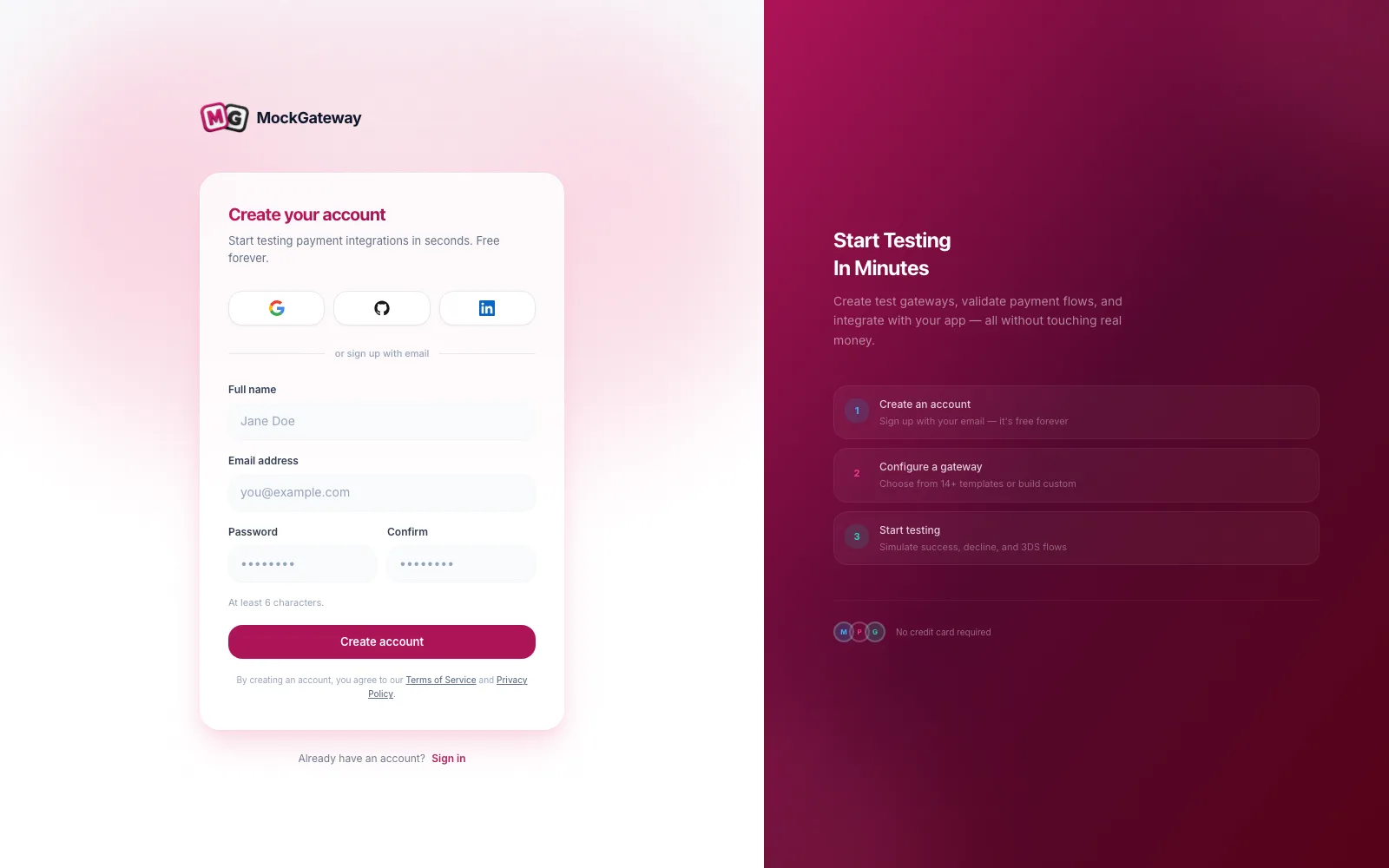
Using a provider instead
Choose Google, GitHub, or LinkedIn on the registration or login page. Approve the request on their screen and you land back here, signed in. Nothing else is asked.
Accounts made this way hold no password, and the address arrives already confirmed, so there is no link to click. Sign in through the same provider each time. To add a password later, run the password reset flow.
What happens next
You arrive at the dashboard. New accounts are offered a setup wizard that walks the whole product in order: make a gateway, attach a webhook, set a redirect URL, run a payment, and confirm the result. It closes once you finish it or build a gateway of your own.
You can leave the wizard at any point and use the app directly.
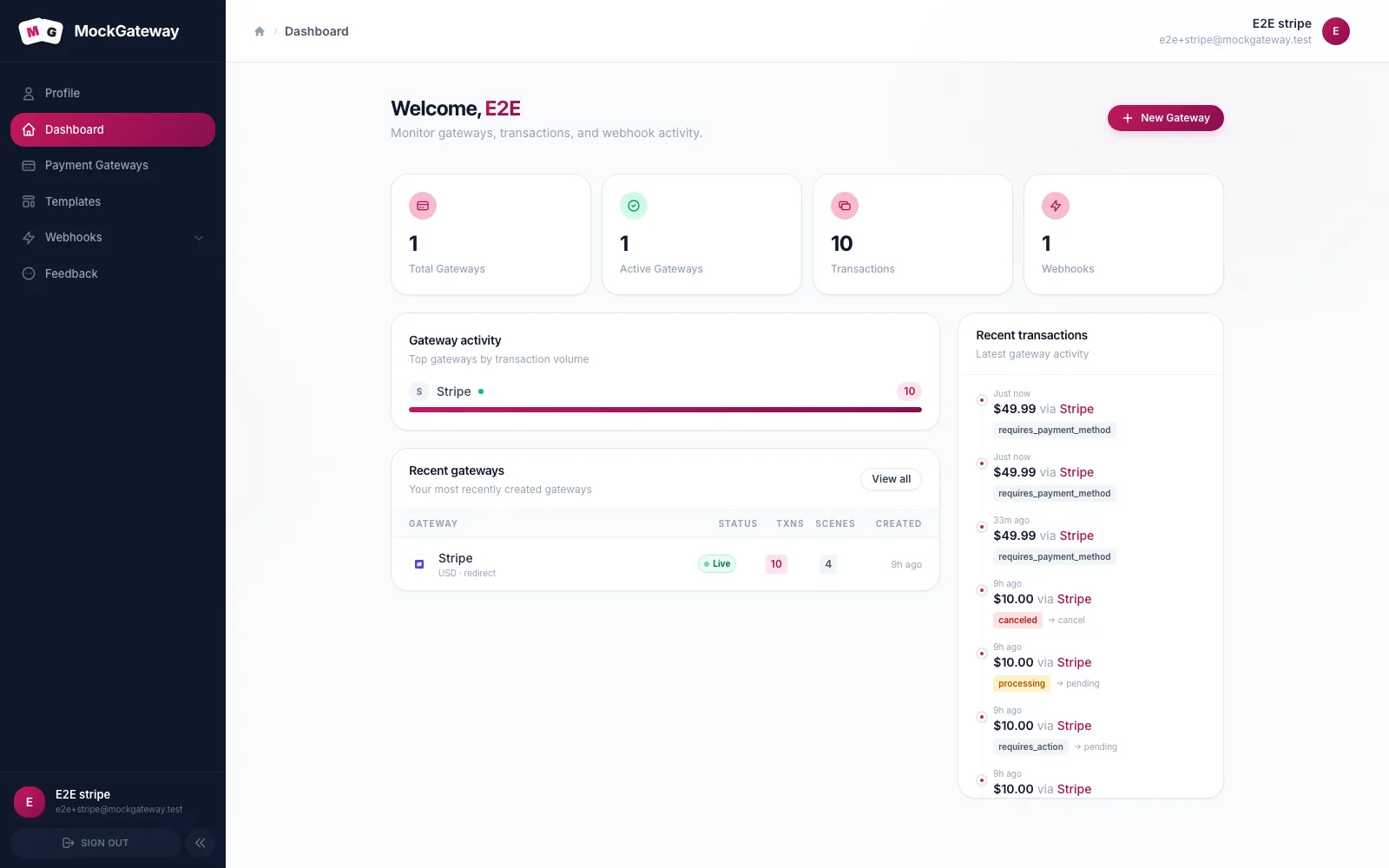
One account, one person
There are no team seats or shared workspaces. Gateways, webhooks, and namespaces belong to the account that made them, and nothing is visible across accounts.
For a team, the usual approach is one account per developer, each with their own gateways. Slugs carry a per-account suffix, so two people can both make a gateway called Stripe without their endpoints clashing.
Check it worked
Once your address is confirmed, Payment Gateways, Templates, and Webhooks all open without sending you back to a notice page.
If it didn't work
"The email has already been taken."
Another account uses that address. Sign in, or recover the password.
The password is rejected.
Six characters is the floor, and the confirmation must match character for character.
Nothing reaches your inbox.
Sign-up succeeds even when the outgoing mail fails, so the account does exist. Do not sign up twice — ask for a fresh link from the login page.
Screens keep bouncing you to a notice page.
The address is not confirmed yet. Everything past the dashboard sits behind that check.
Next
Confirm your address, then run the quickstart.
Was this page helpful?