Ask for a reset link on the login page, open it, and pick a new password of at least six characters. The link is tied to your address and stops working once used. A reset also signs out any device that was staying logged in through "remember me".
Before you start
- Access to the inbox on the account
Reset it
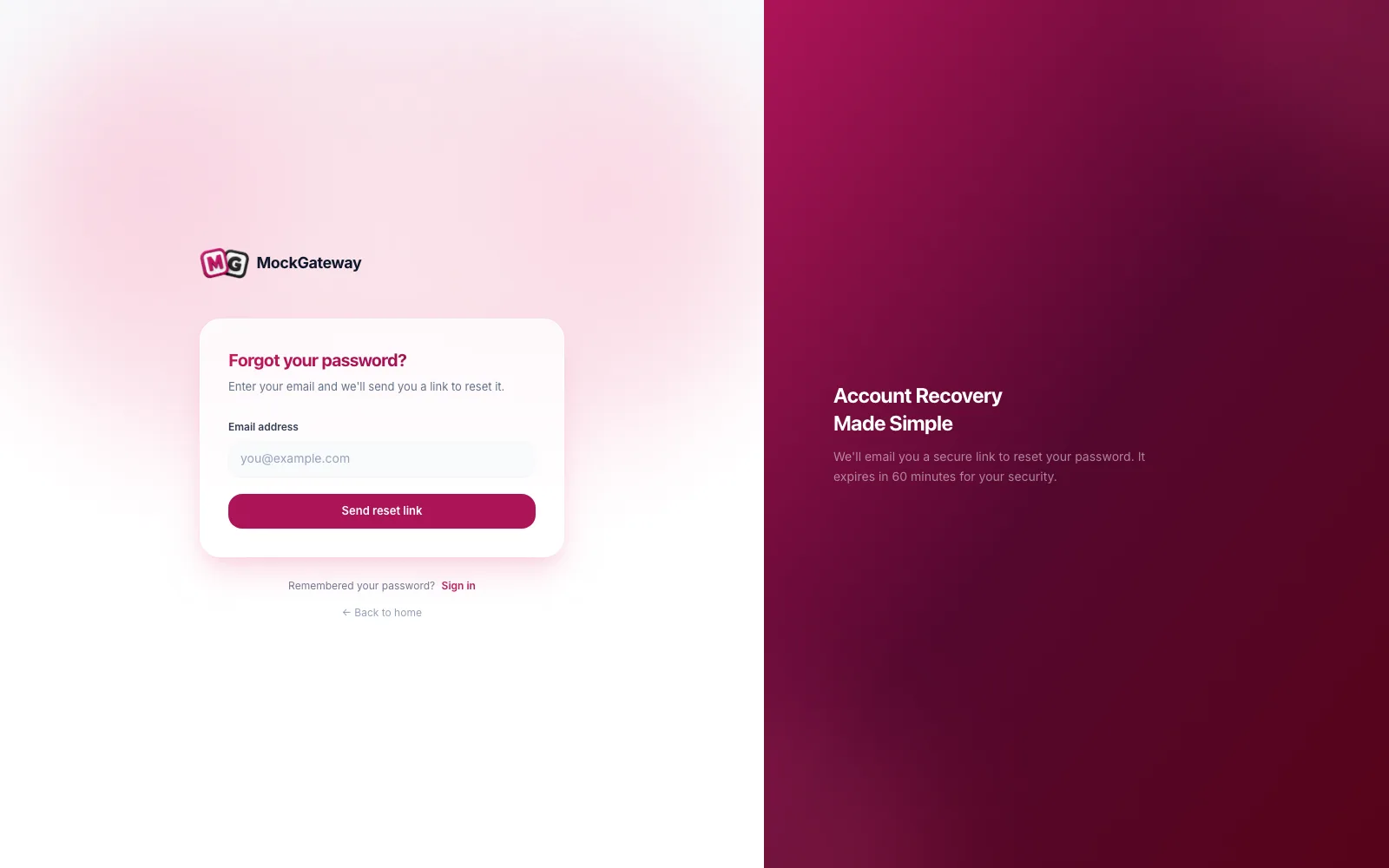
- On the login page, click Forgot password.
- Enter your email address and submit.
- Open the reset email and click the link.
- Enter a new password of six characters or more.
- Repeat it in the confirmation field and submit.
You are returned to the login page and can sign in with the new one.
What a reset changes
Beyond the password, it regenerates the token behind "remember me". Any browser that was staying signed in without asking for credentials is signed out and has to authenticate again.
That is what you want if you are resetting because something felt wrong. It is worth knowing if you are resetting for an ordinary reason and wondering why your phone logged out.
What a reset leaves alone
API tokens survive it. A token issued through the authentication endpoint and used from a script keeps working after the password changes. Nothing in the reset revokes it.
This catches people out when they reset because they think a credential leaked. Rotating the password is not enough on its own — log the tokens out separately if that is your situation.
Reset or change?
| Reset | Change | |
|---|---|---|
| Where | Login page | Profile page |
| Needs the old password | No | Yes |
| Needs inbox access | Yes | No |
| Signs out other devices | Yes | No |
| Use when | You cannot sign in | You are already signed in |
Check it worked
Sign in with the new password. The old one no longer works anywhere.
If it didn't work
The request is rate limited.
Five requests a minute. Wait a moment before asking again.
The link is refused.
Reset links expire and work once. Ask for another.
The new password is rejected.
Six characters is the floor, and the confirmation must match exactly.
No email arrives.
Check spam, then confirm you are using the address the account was made with. An address with no account produces no mail.
You signed up through Google, GitHub, or LinkedIn.
There is no stored password to reset. Sign in with that provider. Running a reset is also how you add a password to such an account.
Was this page helpful?