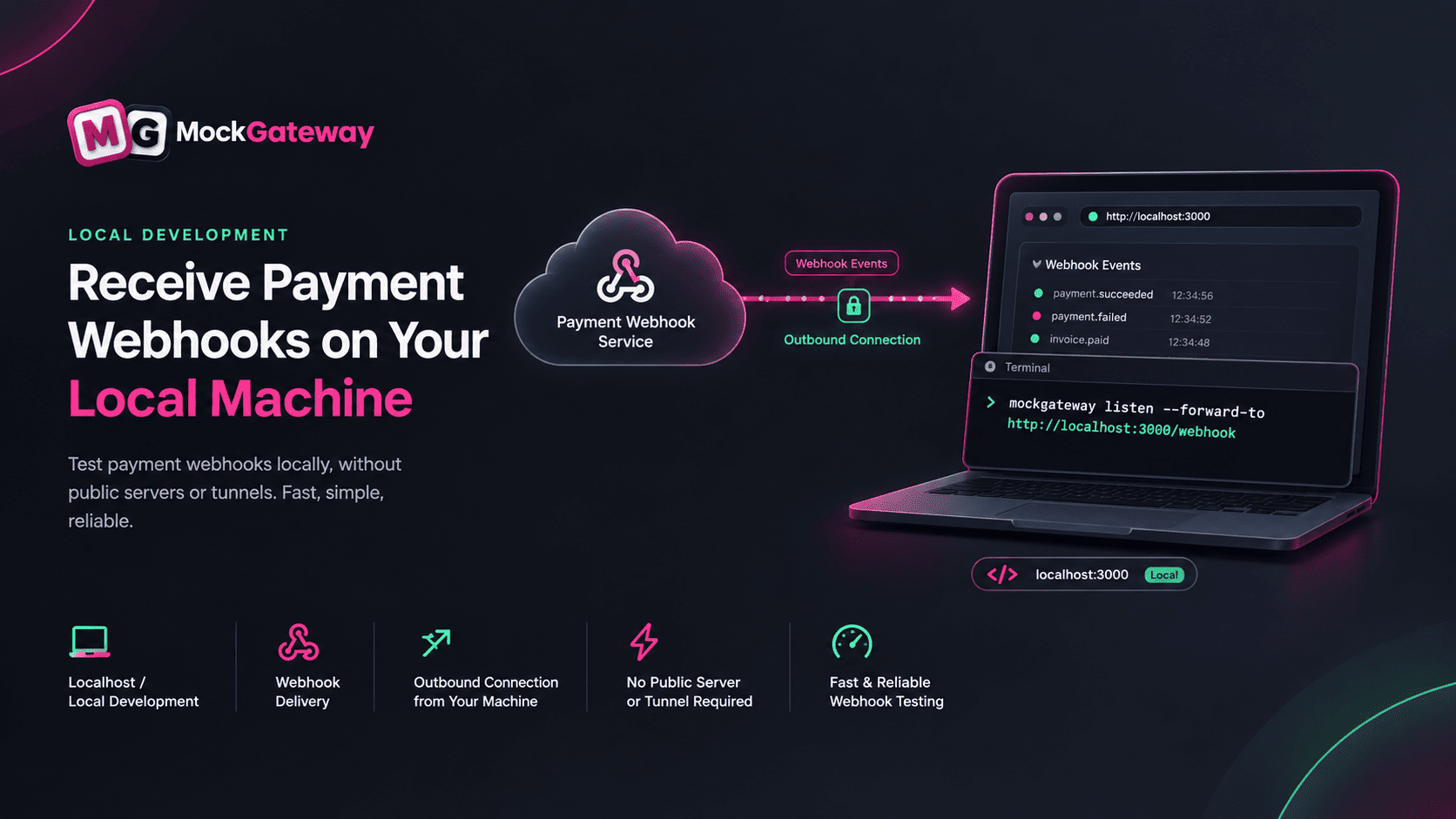
You can test payment webhooks on localhost without ngrok by using a CLI that opens the connection outward instead of accepting one in. Stripe ships one. So do several other providers. Each speaks for a single provider, though — so a checkout touching two puts you back to juggling tools. A mock gateway needs only one listener for every gateway in your account, whatever provider each one imitates, behind a URL that stays the same across restarts.
Why does my ngrok URL change every time I restart?
Because the address belongs to the running process, not to you. Every start claims a fresh subdomain from the pool, and stopping the process releases it. Paid plans let you reserve a domain, and a named Cloudflare tunnel gives you a fixed hostname for free, but the default free path hands out something new each time.
That is the whole annoyance. The tunnel works. What breaks is the webhook field you filled in an hour ago, and it breaks silently — nothing errors until a delivery fails and someone asks why the order never moved.
What a tunnel doesn't know about your webhook
A tunnel forwards bytes. It can't tell a payment confirmation from a port scan, which is fine for its job and limiting for yours.
Payment webhooks need three things a forwarder has no opinion about. They arrive signed, and your handler has to verify that signature against the raw body. They arrive more than once, because a sender that gets no answer in time assumes failure and sends again. And while you're debugging one branch of one handler, you want to replay a single event rather than run a fresh checkout to produce it.
None of that is a tunnel's responsibility, so you build it yourself on top of one — a log of what arrived, a way to send it again, a note of which events you have already processed. The mechanics of delivery, signing and retries are worth reading separately if that part is new.
Is there a way to receive webhooks without exposing my machine?
Yes, and it's the approach several providers now ship themselves. Instead of opening a door into your laptop, your laptop dials out to the sender and holds that connection open. Events travel down the line that is already there.
Stripe's version is stripe listen --forward-to http://localhost:4242. Its own documentation is blunt about what that buys you: you don't configure any endpoint in the dashboard, and the signing secret doesn't change between restarts. Nothing on your machine is reachable from outside, because nothing needs to be.
The direction of the connection is the entire trick. A tunnel makes a private machine briefly public so it can receive a message it already wanted. Dialing out skips that step, and the identifier you hand the sender belongs to your account rather than to a socket that closes when you press Ctrl+C.
One CLI per provider adds up fast
Here is where the pattern runs out. A provider's CLI speaks for that provider. Stripe's forwards Stripe events. It has no idea what your PayPal integration is doing.
Add a second processor for a region, or a wallet for one market, and you're running two of these side by side — two installs, two logins, two sets of flags, two output formats to read at 2am. Add a third and the thing that was meant to save you a tunnel has become its own small operations problem.
That is the gap worth noticing. Everyone agrees the outbound pattern is right. Almost nobody mentions that it arrives one provider at a time.
| Tunnel | Provider CLI | Mock-gateway CLI | |
|---|---|---|---|
| URL after a restart | A new one, unless you pay or set up a named tunnel | The same | The same |
| Local endpoint needs to be public | Yes | No | No |
| Senders it covers | Any | One provider | Every gateway in your account |
| Sharing a non-webhook page | Yes | No | No |
When a tunnel is still the right call
The last row of that table isn't a throwaway. A tunnel does something neither CLI can: it puts a whole local server on the internet. Showing a client a work-in-progress page, testing an OAuth redirect, letting a teammate poke at your branch — all tunnel work, none of it webhook work.
So the scope is narrow and worth stating plainly. For receiving one sender's webhooks on one machine, a CLI is the better fit. For anything broader, a tunnel still wins. Reaching for the general-purpose tool when you have a specific problem is how you end up maintaining a URL that didn't need to exist.
It's also worth saying what the CLI approach costs you. It only works when the sender has built one, so for a provider that has not, a tunnel is not a compromise — it is the only option.
And the connection has to be up. A tunnel left running in a spare terminal will happily accept a delivery while you're heads-down in another window; a CLI you closed at lunch won't. Whatever is on the other end records the attempt as failed, and you find out from the log rather than from your handler. That is a fair trade for not exposing a port, but it is a trade, and it catches people once.
Where a mock fits
If you're building against a mock rather than a live provider, none of the provider CLIs apply to you anyway — Stripe's tool sends real Stripe events, which isn't what you asked for. But the pattern it proves still holds, and a mock is in an unusual position to use it: one listener can cover every gateway in your account, because they all come from the same place.
MockGateway ships that as mockgateway listen --forward-to http://localhost:3000/webhook. It prints a URL, you paste it into a webhook once, and restarting the CLI gives you the same URL back. Deliveries land in your terminal with their status and timing, and the signature your handler checks is the one the gateway was configured to send. If that sounds like the shape you want, the CLI setup steps take about two minutes.
Tagged with
Found this helpful?
Share it with your network.


