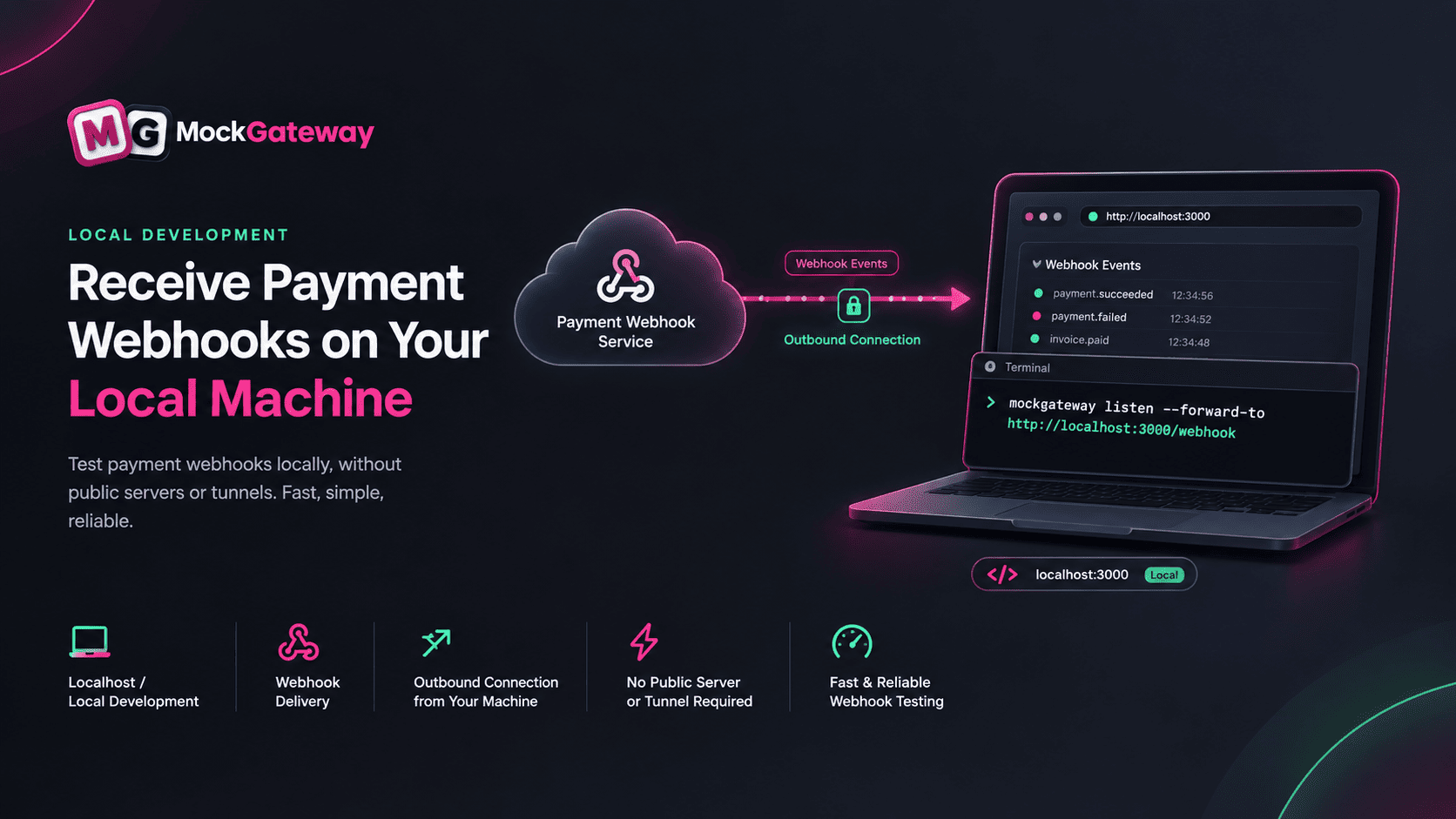
Testing webhooks on your local machine usually means setting up a tunnel, getting a public URL, and then updating the webhook URL whenever it changes.
With the MockGateway CLI, you don’t need to deal with all that.
Install the CLI, sign in with a token from Webhooks → CLI, and run:
mockgateway listen --forward-to http://localhost:3000/webhook
The CLI connects from your machine to MockGateway, so your local server doesn’t need to be publicly accessible. You also don’t need to create an account with another tunneling service.
Add the endpoint shown by the CLI to your gateway once. After that, you can restart the CLI and keep using the same endpoint.
When a webhook is delivered, you’ll see it right in your terminal, along with its status and delivery time. The webhook signature is kept intact, so you can test your signature verification locally as well.
You can also use mockgateway trigger when you just want to test a webhook without going through a payment first.
Posted by MockGateway Team
All updates